AFCAT Application Documents Checklist 2027: Photo, Signature, Thumb Impression and ID Proof

Quick summary
Know exactly what to upload for the AFCAT application and what to carry to the exam. This checklist covers photo, signature, thumb impression, Aadhaar, ID proof and file names.
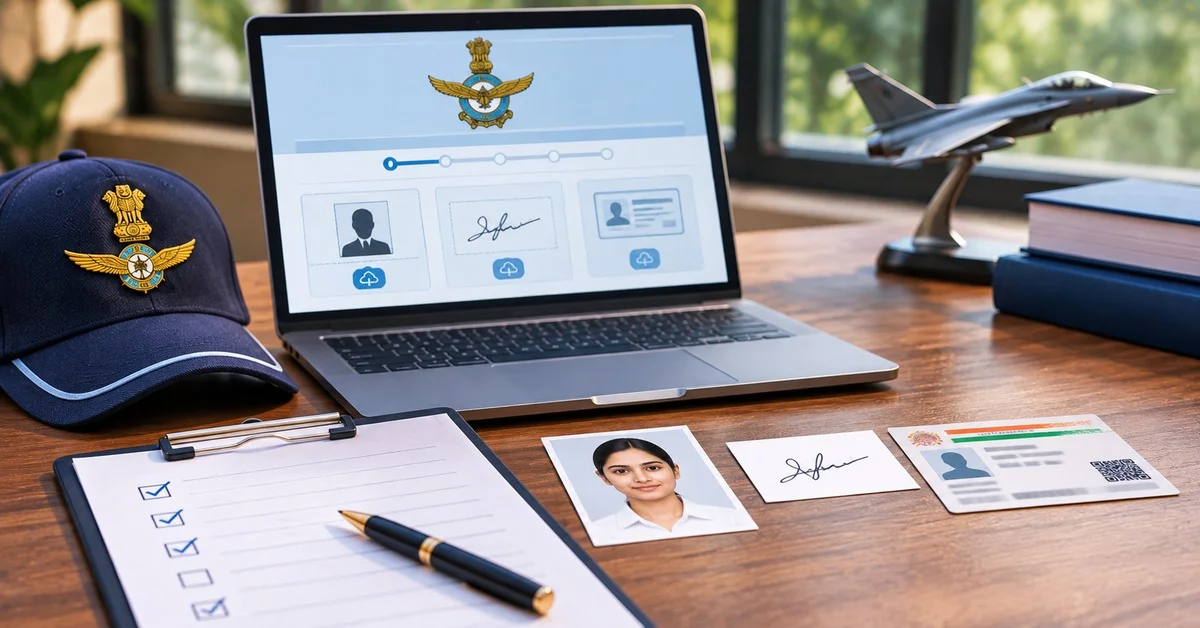
Many AFCAT applications run into trouble at the upload stage: a photo that is too large or too small, a signature scanned with the whole page, or the wrong thumb. Preparing your files offline before you open the form is the simplest way to avoid that. This checklist covers what you upload online, what you carry to the exam and what you need later at the AFSB.
What You Upload, Carry and Show
You do not upload your ID proof or your mark sheets when you fill in the form. You enter your qualification details, and the originals are checked later.
Upload Specifications (AFCAT 02/2026)
Both .jpg and .jpeg are accepted. Name your files exactly as the notification states.
Photograph Rules
Recent colour passport-size photograph with a light background
Look straight at the camera, with your face clearly visible
No headgear unless the notification allows an exception
Use the same photograph throughout the recruitment process, since the notification asks you to keep it consistent from application to selection
Avoid dark, patterned or studio-printed backgrounds, shadows across the face and over-edited images
Signature Rules
Sign on plain white paper with a black ink pen
Only the applicant may sign
Scan or photograph only the signature area, not the whole page
Make sure the signature looks the same as the one you will use on exam attendance sheets and AFSB forms
Keep the file between 80 KB and 150 KB
Thumb Impression Rules
Male candidates: left thumb
Female candidates: right thumb
Press your thumb on an ink pad, then on plain white paper, and scan only that impression
Keep the file between 50 KB and 100 KB
Live Image Capture
The 02/2026 application also asked for a live image captured through the webcam. Keep a working camera and good lighting ready, and check whether the new notification still requires it.
ID Proof for AFCAT: Is Aadhaar Enough?
For registration, Aadhaar is mandatory. For the exam, Aadhaar alone is not enough, because the notification asks for two documents:
Your original Aadhaar card
A second valid government photo ID such as a passport, driving licence, voter ID or PAN card
The name on both IDs must match. Photocopies are not admissible, so carry originals.
Educational Certificates, NCC and Other Documents
Do not wait to upload these on the form, because they are not part of the online upload. Keep your Class 10 and Class 12 mark sheets, degree or provisional certificate and any category or NCC certificates ready in original. They are checked at AFSB and in the documentation stage. Your call letter lists exactly what to carry.
Common Upload Errors and Fixes
Step-by-Step Application Sequence
Open the application link given in the official notification and register with your Aadhaar details, email ID and mobile number.
Verify with the OTP and log in with the user ID and password sent to you.
Fill in personal and contact details, qualification details and course preferences.
Upload the photograph, signature and thumb impression, and complete the live image capture if asked.
Pay the fee online, if applicable, by debit card, credit card, net banking or UPI.
Preview the form, submit it, then download and print the confirmation for your records.
Offline Checklist Before You Start
Aadhaar linked to an active mobile number
Working email ID and mobile number that you will keep for the entire process
Photo, signature and thumb impression saved as JPG with the correct file sizes and names
Qualification details and marks to hand
A device with a working webcam
Originals of Aadhaar and a second photo ID for exam day
FAQs
What are the AFCAT photo specifications?
In the AFCAT 02/2026 notification, the photograph had to be a recent colour passport-size picture with a light background, in JPG or JPEG format, between 100 KB and 200 KB. You should look straight at the camera, and the file should be named Passport Photograph.jpg. Since limits have changed in past cycles, confirm the figures in the latest notification before you resize.
Is Aadhaar enough as ID proof for AFCAT?
Aadhaar is mandatory for online registration, but on exam day you need your original Aadhaar plus a second valid photo ID, such as a passport, driving licence, voter ID or PAN card. Photocopies are not accepted. You do not upload an ID scan as part of the application form.
What size is the signature for the AFCAT application?
In the 02/2026 cycle, the signature file had to be 80 KB to 150 KB in JPG or JPEG format. Sign on white paper in black ink, scan only the signature area, and name the file Signature.jpg. Older articles mention 10 to 50 KB, which was the limit in earlier cycles.
Which thumb should I use for the AFCAT thumb impression?
Male applicants upload the left thumb and female applicants upload the right thumb. Press the thumb on an ink pad, make the impression on plain white paper and scan only the impression. The file should be 50 KB to 100 KB in JPG or JPEG format.
What are the most common reasons for upload errors?
Files that are outside the size range, wrong formats and wrong file names are the most common causes. Candidates also upload the wrong thumb, scan a whole page for the signature, or use a photo with a dark or uneven background. Prepare every file offline and check each against the latest notification
Tags
- afcat application documents
- afcat online application
- afcat 2027 documents checklist
- afcat photo specifications
- afcat signature upload format
- afcat id proof required
- afcat thumb impression
- AFCAT notification official PDF
- Indian Air Force recruitment 2027
- AFCAT eligibility criteria
- passport-size photograph government exam
- Aadhaar as government ID proof